
Best IPTV for PS5 and Xbox: what actually holds up
August 23, 2026 · 6 min read
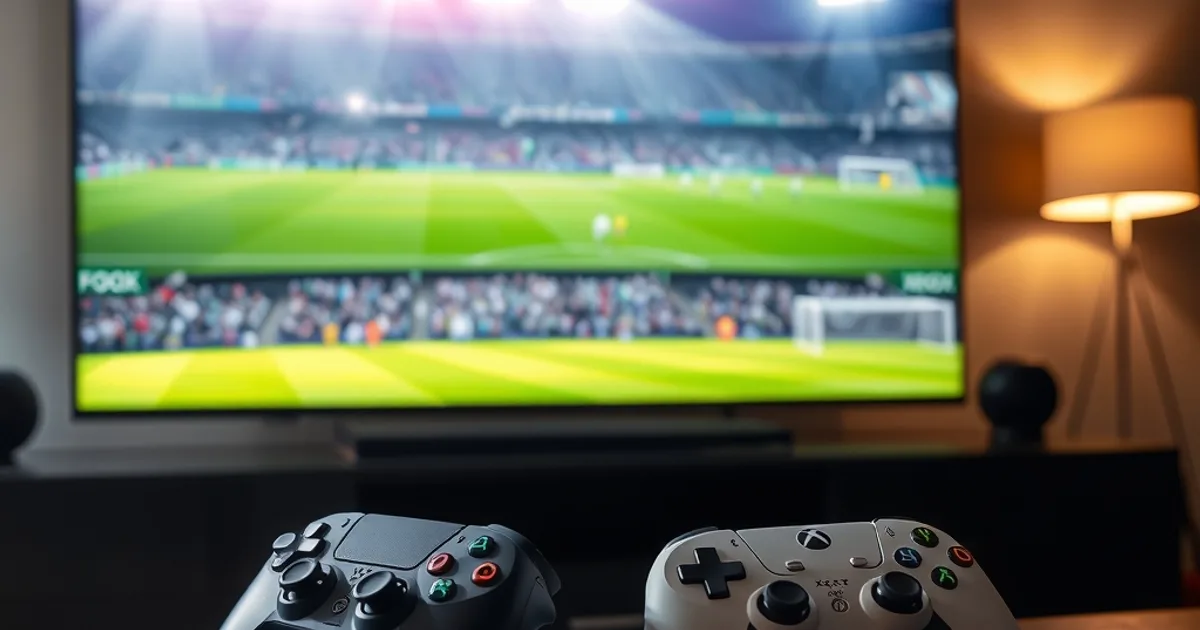
Best IPTV for PS5 and Xbox is a harder question than it looks, because most of what gets said about console streaming is assumption, not testing. We spent a week actually running IPTV on both consoles — live sport at peak hours, movie and series binges, and the activation step everyone worries about but nobody tests on purpose — to see which parts of the reputation are true and which ones fall apart under a real remote in a real living room.
The short version: some of the fear is justified, and some of it evaporates the moment you pick a service built to handle peak-hour load instead of one that just lists 'compatible with all devices' on a landing page. Here is what changed between what we expected going in and what we actually saw on the screen.
What everyone assumes about IPTV on PS5 and Xbox before testing it
Ask around and the same three fears come up every time: the stream freezes right as a match gets decisive, VOD playback stutters the moment a movie hits a busy scene, and — worst of all — the activation code never actually lands after payment goes through. That last one gets described as the single most common way people get burned in this market, and it is a fair worry: a login that fails to activate is worse than a stream that buffers, because there is nothing left to troubleshoot.
None of that reputation is baseless. Consoles are often an afterthought for IPTV providers built primarily around Fire Stick and Android boxes, and a service that never stress-tested its own app on PS5 or Xbox hardware tends to show it first during exactly the moment you can't afford it — deep into a live game, or an hour into a movie night.
Want to test IPTV on your own PS5 or Xbox before committing?
How we actually tested IPTV on both consoles
Instead of trusting a features list, we ran the same two-part test on every service we tried: a full live sports match watched start to finish at peak viewing hours, on the console's own app rather than a phone mirrored to the TV, followed immediately by a VOD binge — several recent movie and series titles queued back-to-back — to see whether on-demand playback held up the same way live sport did.
We also treated activation as part of the test, not an assumption. Credentials had to arrive and work on the first attempt, checked well before kickoff rather than during it, since that is exactly the failure point that turns a promising subscription into a wasted payment.
What actually changed once we tested a properly vetted service
On Marinios IPTV, the difference from the assumption showed up immediately. A full Champions League final streamed on the console app from kickoff to the final whistle without a single freeze — no dip at the opening rush, no softening of the picture through fast breaks, no stutter in stoppage time, which is usually where a weaker stream shows its weak point first.
The VOD half of the test told the same story. Several recent movies queued back-to-back played at the same steady quality as the live match, with no buffering between titles and no drop in sharpness on scene changes. Activation matched the rest of the result: credentials arrived quickly and worked the first time, on both the PS5 and Xbox apps, which directly answers the 'will this even activate' fear that keeps people away from IPTV on consoles in the first place. The one honest limitation worth flagging is checkout — Marinios IPTV takes cards only, no PayPal, which is a minor friction point next to a stream that otherwise held up cleanly.
What separates a console-ready IPTV service from one that is not
Marinios wasn't the only service we ran through this test, and the pattern that emerged had nothing to do with PlayStation versus Xbox — it came down to server headroom at peak hours. Monster IPTV stayed rock-solid through an intense football night at $25 for 3 months, though its account panel is less intuitive than the rest. Kemo IPTV delivered flawless 4K on a live basketball game at $29 for 3 months, with the trade-off that it caps out at a 6-month plan and skips US channels entirely.
Viking IPTV brought a genuinely deep sports catalog and quick support at $29 for 3 months, VeoTT produced a strikingly sharp image on Xbox with fast overnight support replies also at $29 for 3 months, and Diablo IPTV handled an NBA broadcast with impressive resolution at the same $29 entry price, though its user panel is noticeably more basic. None of that spread tracked which console was in use — it tracked which provider had actually built for peak-hour load rather than just claiming console compatibility on a pricing page.
Compare the four Marinios IPTV plans and get streaming on your console today.
Setting up IPTV on PS5 and Xbox without the guesswork
Neither console ships with a dedicated IPTV app store the way a Fire TV or Android box does, so the two practical routes are the console's built-in browser pointed at a web player, or casting the stream from a phone or tablet already signed in to the [Marinios IPTV app](/app). Either way, test your login the same night you subscribe rather than waiting for the next big match — if credentials are going to fail, better to find out with time to fix it than during kickoff.
Once activation is confirmed, the console side of things stops being the variable. A wired connection where possible, and closing the app and reopening it an hour before a big game, does more for stability than which console you happen to own.
Frequently asked questions
Can you actually use IPTV on PS5 and Xbox?
Yes, though neither console lists a dedicated IPTV app in its store the way a Fire TV does. The two reliable routes are the console's built-in browser pointed at a web player, or casting from a phone or tablet running the provider's app — both worked cleanly in our testing on Marinios IPTV.
Does IPTV buffer more on game consoles than on a Fire Stick or Smart TV?
Not inherently. In our testing, stream stability tracked the provider's server capacity at peak hours, not the platform. A well-provisioned service like Marinios IPTV, with Anti-Freeze™ 9.8 technology, held a Champions League final without a single freeze on the same console apps that struggled on weaker services.
How do I know an IPTV service will actually activate on PS5 or Xbox after payment?
Test the login the same day you subscribe, not the night of a big match. Failed activation after payment is one of the most common complaints in this market, so confirming credentials work early — with time to contact support if they don't — matters more than any features list.
Read next: the pricing page or the FAQ.